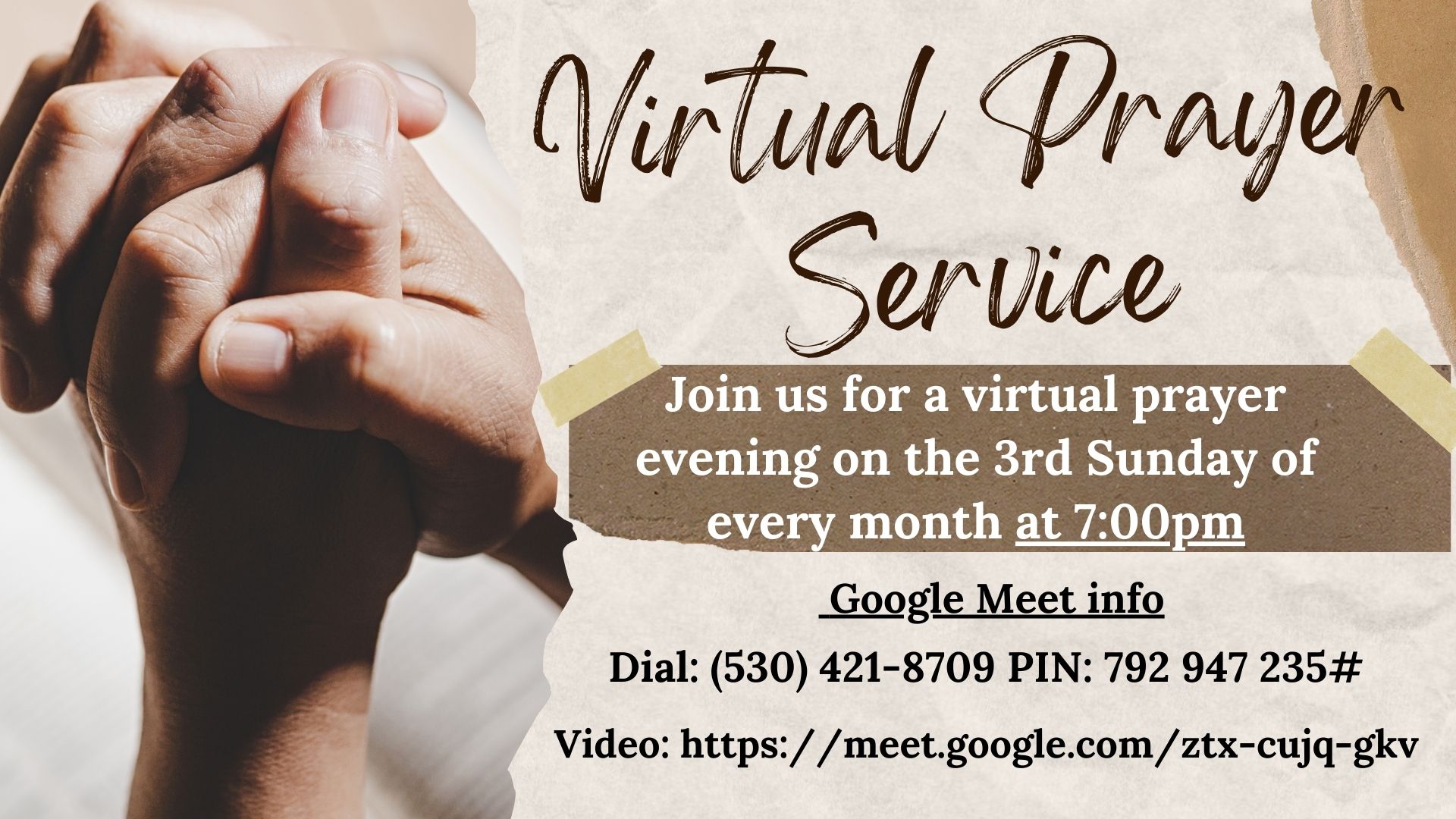
Join us for Worship Services in our sanctuary:
Sundays - 8:30am Traditional/Liturgical & 11:00am Blended
Wednesdays - 12pm (noon) Traditional
Click here to view our current activities, events, and celebrations!



Our Vision
A Church of fully engaged members; Biblically passionate, driven to serve the needs of others as modeled by our Savior and Lord Jesus Christ.


Sometimes technology just doesn’t want to cooperate. If you’re currently experiencing any technical issues at Emmanuel Lutheran Church Online, check out the FAQs below for some basic troubleshooting tips. If you still need assistance, follow the link at the end to let us know. We’re here to help!
>> First, The Chrome Web Broswer works Best. Not using Chrome? Download it here!
A. Three great first steps to resolve any tech issue are:
Nine times out of ten, one of those steps will do the trick!
A. To “refresh” a web page simply means to load it again.
You can do this by pressing the F5 button on your keyboard or by clicking thesymbol at the top of the screen.
A. Click these links and follow the accompanying directions to download Chrome, or Firefox
A. If the video stops, refresh the page (see above). In some browsers, you may also need to click inside the video player to restart the video.
A. If you are watching on a computer, use the tabs on the right top of the screen to scwicth between Chat, Notes, and Bible.
Every Sunday
Every Wednesday